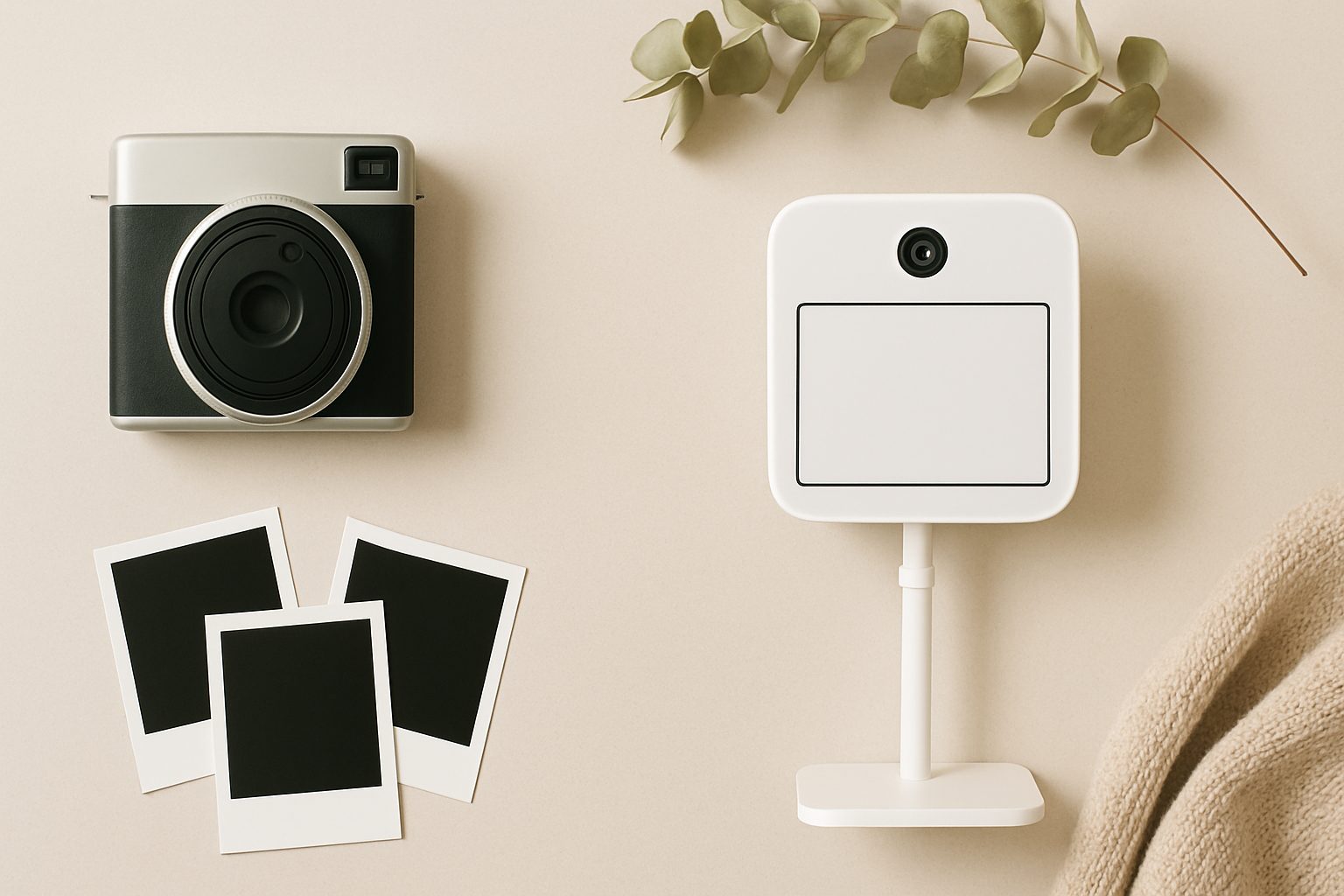
Best iPad Photo Booth Kits for Home Use UK — Reviewed & Compared
Setting up a photo booth at home used to mean investing in bulky DSLR cameras, lighting rigs, and expensive software. iPad-based systems have changed that entirely. You get instant printing, digital sharing, and fun props—all from a tablet that probably already sits on your shelf. The challenge isn't whether it's possible; it's choosing the right enclosure, stand, and software combination for your space and budget.
Why iPad Photo Booths Work for Home Use
The appeal is straightforward. An iPad is compact, reliable, and runs excellent photo booth apps. Add a printer, and guests get instant prints as souvenirs. The setup takes minutes, not hours. It works brilliantly for weddings, parties, corporate events, and family celebrations—whether you're hosting twenty people or fifty.
The real advantage over traditional booths: flexibility. You're not locked into a massive frame taking up half your living room. You position the iPad where it works, capture photos from angles that suit your space, and pack it away afterwards.
Key Components: What You Actually Need
A functional home photo booth needs three things: the iPad itself, a stable stand or enclosure, and software that handles capture, instant printing, and props.
The iPad itself should be recent enough to run modern apps smoothly—iPad Air (5th generation) or newer, or iPad Pro if you want overkill. Older models work, but slower processing means guests wait between shots, which kills the vibe.
Stands and enclosures range from simple: a basic tripod with an iPad holder (effective but looks minimal) to dedicated photo booth enclosures that look intentional and frame the experience properly.
Software is where personality lives. Apps differ wildly in features, speed, and customisation options—this matters more than most people realise.
Standalone Enclosures: The Intentional Approach
If you want guests to feel like they're using a proper photo booth, a dedicated enclosure makes the difference. It frames the experience, gives people somewhere to stand, and looks the part.
PhotoBooth Ireland modular systems ship across the UK and work well. They're roughly 1.2m tall, collapsible, and use lightweight aluminium frames. You mount your iPad at face height, add a small printer to one side, and guests step into a defined space. The main downside: they take some assembly and aren't tiny to store. Cost sits around £800–£1,200 depending on options.
Smaller fabric enclosure setups (search "pop-up photo booth enclosure UK") exist too—essentially backdrop stands with a mounted iPad and ring light. These cost £400–£600, suit smaller gatherings, and pack away easily. The trade-off: less of that "step into a booth" feeling.
For most home users, an enclosure often feels like overkill unless you're hosting regularly. A solid stand achieves 80% of the effect at half the cost.
Stands: Simple, Effective, Practical
A good iPad stand keeps things visible, lets guests position themselves naturally, and doesn't wobble when touched.
Manfrotto tablet stands (iPad holder on an adjustable arm) are reliable. They're stable, adjustable, and cost £40–£80. Pair one with a basic tripod and you've got a functional booth setup for under £150.
Desk-mounted flexible arms work if you're setting up in a fixed location—less portable, more secure. Again, around £50–£100 for a quality one.
iPad-specific floor stands designed for kiosks or public display (search "iPad kiosk stand UK") are heavier and more professional-looking. They run £150–£300 but are essentially unbudgeable once positioned. Useful if you're using this regularly and guests need zero technical help.
The principle: your stand should keep the iPad at eye level when someone stands a comfortable distance away, and it shouldn't move when they tap the screen. Test stability before you commit.
Software: Where the Experience Lives
This is genuinely the make-or-break component. Good photo booth software is fast, lets you customise props and backdrops, and prints or shares easily. Poor software feels clunky and guests get bored waiting.
Snappic is purpose-built for iPad photo booths. It has a polished interface, straightforward prop templates, and solid printing integration. It's commercial software (subscription around £20–£40 monthly), but the speed and reliability justify it for frequent use.
PicCollage works if you want simplicity. Less pro-specific, but handles basic capture, props, and sharing. Free version exists; paid tier removes ads.
Photobooth by Willow is UK-friendly and designed for event use. It handles group photos well, integrates with printers cleanly, and feels intuitive to guests who've never used photo booth software before.
Avoid generic camera apps or basic Instagram filters—they lack the speed and customisation that make a photo booth feel intentional rather than accidental.
Printing: Making It Instant
The printer choice matters more than people expect. Instant photo booths should feel instant—guests want prints immediately, not waiting five minutes.
Compact thermal printers (6x4 inch prints) from Fujifilm or Mitsubishi are standard. They're fast (around 10 seconds per print) and reliable. Expect £200–£400 for a decent one. The downside: print costs run 30–50p per image.
Smartphone printers (Instax Share or HP Sprocket) are cheaper upfront (£100–£180) and compact. They're adequate for casual gatherings but slower and have smaller output. If you're doing 30+ photos, guests notice the wait.
Dye-sublimation printers (Epson SureLab, Canon) are higher quality and faster but overkill for home use—intended for high-volume events.
For most home setups, a compact thermal printer offers the best balance of speed, cost, and guest experience.
Common Pitfalls to Avoid
Poor lighting is the number-one complaint. iPad cameras are good, but dim rooms show grain immediately. Ring lights are cheap (£20–£50) and solve this completely—don't skip this.
No backup for internet-dependent apps. If your WiFi drops mid-event, can the software still function offline? Test this before guests arrive.
Underestimating storage. Even with external printing, storing 100 photos takes space. Check your printer capacity and iPad storage before a big event.
Ignoring portrait versus landscape. Social media prefers vertical; prints prefer horizontal. Choose a software orientation early and be consistent.
Final Thoughts
A decent home photo booth setup (iPad + stand + printer + software) costs £600–£1,200 if you buy new. That sounds significant, but spread across regular entertaining, it's genuinely economical compared to hiring a professional booth. More importantly, you control the experience entirely.
Start with a solid stand and proven software. Add the printer if printing matters for your events. Skip fancy enclosures unless you're hosting constantly—a clean stand and good lighting achieve the same effect. Test the whole system with friends before your actual event, because guest experience depends entirely on speed and ease of use.
More options
- Portable Instant Photo Booth Printer (e.g. Canon Selphy CP1500 / DNP DS-RX1HS) (Amazon UK)
- Selfie Mirror Magic Mirror Photo Booth Machine (Amazon UK)
- Ring Light with Stand for Photo Booth (18-inch, heavy-duty) (Amazon UK)
- iPad Kiosk Stand Photo Booth Enclosure (Amazon UK)
- Photo Booth Props Kit & Backdrop Bundle (Amazon UK)