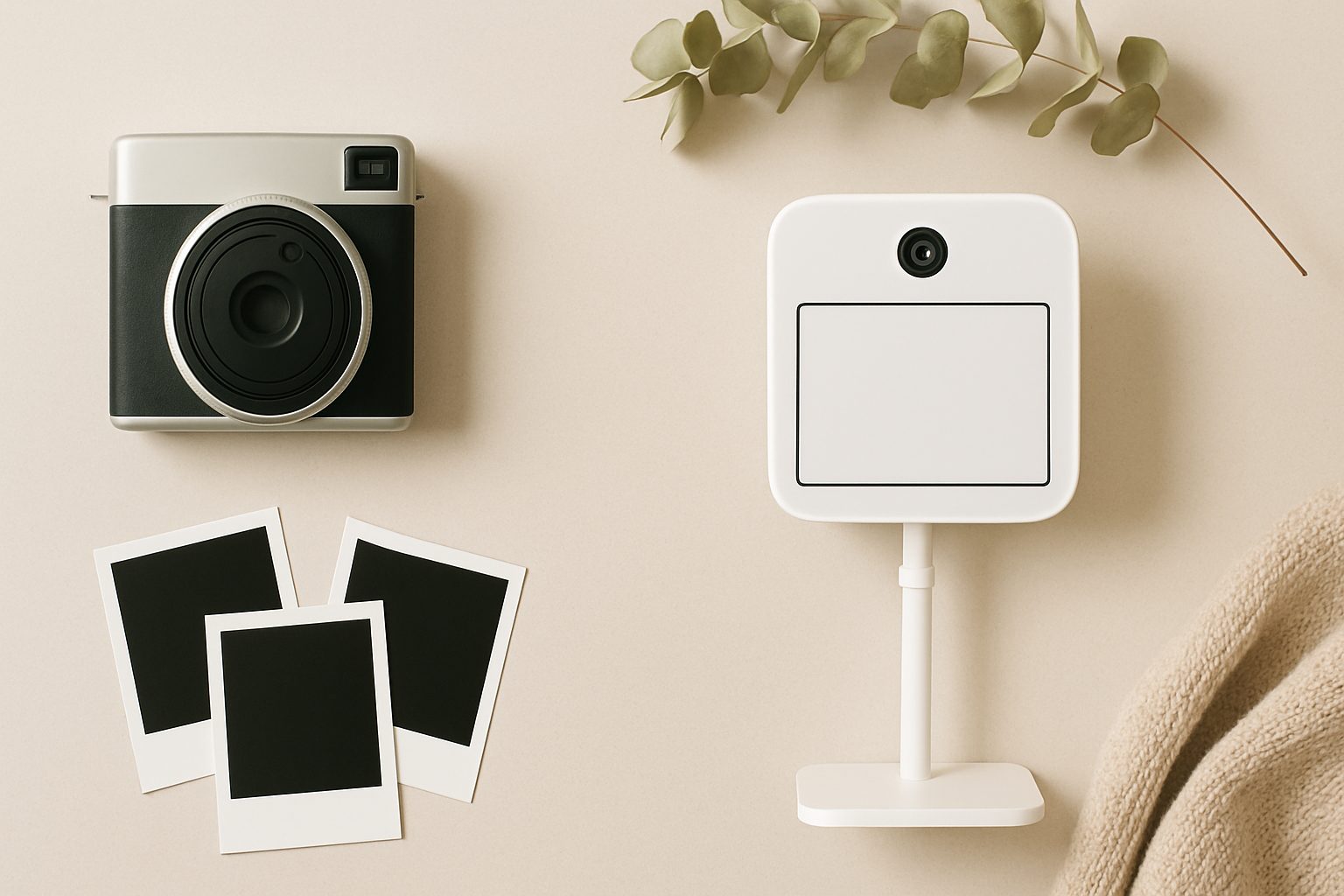
Home Photo Booth Software Compared: Darkroom, Snappic & Free DIY Options
Running a photo booth from home has become genuinely viable in the last few years, partly because the software has matured enough to not require professional hardware setup. But choosing between the available options—whether paid SaaS platforms or free open-source alternatives—depends entirely on what you're actually trying to do and how much technical confidence you have.
What Home Photo Booth Software Actually Does
Before comparing specific platforms, it's worth understanding what you're paying for. Photo booth software handles capture, instant printing, social media sharing, and guest-facing interfaces. Some platforms manage prints to physical printers; others focus on digital delivery. The better ones let you customise branding, add props or overlays, and collect guest details. The difference between a £3,000 commercial setup and a £200 one is mostly in the software's polish and the support behind it.
Darkroom: Polished and Practical
Darkroom is a UK-developed SaaS platform specifically built for photo booth operators. Unlike generic photo software, it's designed around actual booth workflows: managing live events, handling multiple printer types, and delivering prints reliably under pressure.
Strengths: Darkroom's setup process is genuinely fast. You connect a compatible camera (Canon, Nikon, Sony) via USB, link a printer, and you're capturing within minutes. The interface is clean and the software handles high-volume printing without lag, which matters when you've got a queue of guests. You get customisable branding, animated overlays, and social media integration. The team responds to support requests quickly, and there's an active user community with real troubleshooting help.
Limitations: It's a subscription (roughly £25-40 monthly depending on tier), which isn't ideal if you're testing the concept or only operating seasonally. You need a compatible camera and printer—not every printer will work reliably. On budget setups, the USB tether can feel constraining; you're limited by cable length unless you use extension cables.
Best for: Events operators scaling from occasional bookings to regular work. Wedding venues, community events, corporate functions. It justifies the monthly cost because it simply works under stress.
Snappic: iPad-First and Flexible
Snappic is a newer entrant that's specifically optimised for iPad-based booths. This is a meaningful distinction because it changes your hardware approach entirely. Instead of a desktop setup with a camera and printer, you're building around an iPad as your main hardware.
Strengths: iPad software means the guest-facing interface is genuinely touch-friendly and looks modern. Snappic supports both instant printing and digital delivery, so you're not locked into one model. The animations and filters are well-designed. Setup is simple if you're already comfortable with iPads. It's positioned at a similar price point to Darkroom but with different flexibility.
Limitations: iPad dependency is significant. The quality of your camera depends on your iPad model (or a connected external camera), which adds cost if you want professional results. Printing still requires compatible hardware. Some users report occasional performance hiccups during high-volume events, though this may be device-dependent. The community is smaller than Darkroom's, so troubleshooting can be slower.
Best for: Home setups where you want a modern, attractive interface and don't mind managing iOS-specific quirks. Works well for small weddings and intimate events where you're controlling the environment carefully.
Free and Open-Source: dslr-booth and Photobomb
If you're comfortable with command-line setup and Linux, open-source alternatives exist. dslr-booth and Photobomb are actively maintained projects that handle camera capture and printing.
Strengths: Complete control over the software, no recurring fees, and no vendor lock-in. They're genuinely free and legal to modify. Active communities provide support in forums and GitHub.
Limitations: Installation requires Linux knowledge. Setup is a project, not a 10-minute job. You're managing dependencies, dealing with driver compatibility yourself, and troubleshooting without professional support. Print reliability depends on your hardware choices and configuration. Aesthetically, they're functional but not polished—guests won't mistake this for a professional booth.
Best for: Technical users building a one-off setup for a specific event, or developers who want to understand how booth software actually works. Not practical if you're operating multiple events or need something reliable without hands-on tinkering.
The Hardware Reality
All these platforms share a common constraint: hardware quality determines output quality. A home setup typically uses:
- Camera: DSLR or mirrorless (Canon, Nikon, Sony). Don't use phone cameras—the quality gap is significant.
- Printer: Thermal printers (Instax or Canon Selphy) for instant 4×6 prints, or a standard photo printer for better quality at slower speeds.
- iPad stand (if using Snappic or iPad-first setup): Essential for reliable guest interaction; fiddly DIY solutions cost more in frustration than a proper stand.
- Lighting: Hugely underestimated. Cheap booth software won't fix poor lighting; good lighting makes even basic setups look professional.
Which Should You Choose?
Use Darkroom if you're running this as a semi-professional service or planning regular bookings. The subscription cost is negligible against event revenue, and the support matters.
Use Snappic if you're building around an iPad and want a modern interface without desktop complexity. The iPad-first approach genuinely simplifies setup for smaller, controlled events.
Use open-source if you're technically confident, building a one-off system, and price is your constraint. Budget your time generously; the hours saved aren't free.
The real cost of a home photo booth isn't software—it's the camera, printer, stand, and lighting. Pick software that reliably captures good images and delivers prints without fussing, because at an event, reliability matters more than novelty features.
More options
- Portable Instant Photo Booth Printer (e.g. Canon Selphy CP1500 / DNP DS-RX1HS) (Amazon UK)
- Selfie Mirror Magic Mirror Photo Booth Machine (Amazon UK)
- Ring Light with Stand for Photo Booth (18-inch, heavy-duty) (Amazon UK)
- iPad Kiosk Stand Photo Booth Enclosure (Amazon UK)
- Photo Booth Props Kit & Backdrop Bundle (Amazon UK)